Workspace session


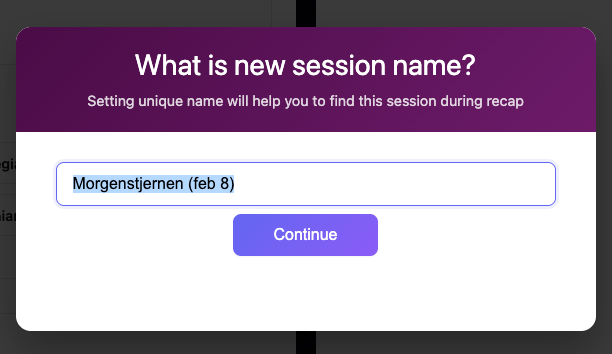
When you start a work session, you will be prompted to name it. You can leave the default name, but we recommend naming your session appropriately—for example, by the book you're reading or the article you're analyzing.
This way you can easily find your work session in the recap area.
Worksession updates. Round button U (only in desktop version)
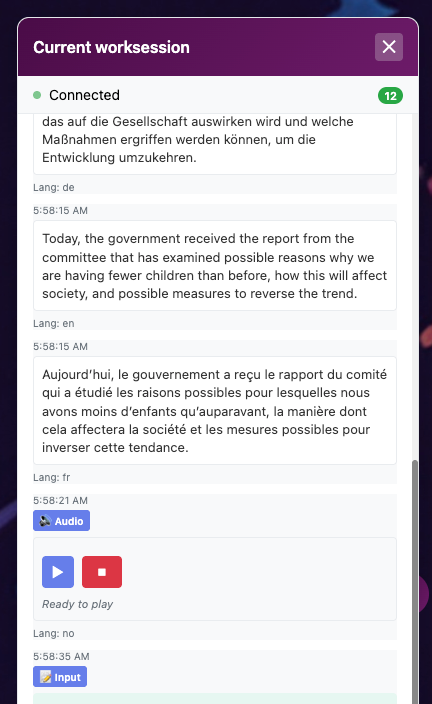
While you're in a lesson, you can see and listen to everything you're working on in the right panel. Press the U (Updates) button on the right to observe (and listen to) all the session items in real-time.