Library

Use ‘Lib’ button to open your library. In the library you can store PDF and EPUB files (as text files). Then you can use these files to read and translate in the LogosCat workspace.
Use ‘Read’ button to open a book. In the book you can select some text and easily move it to the workspace area.
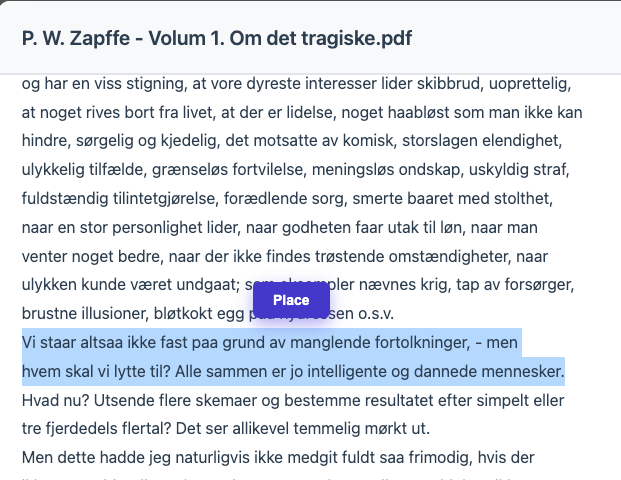
Then use buttons >> and + to place (replace or append) next sentence into the working area, allowing comfortable translation experience.