How to Get Started with LogosCat


There are many ways to learn a language — read this if you're still exploring which approach works best for you.
This guide assumes you learn by reading and expanding your vocabulary, that you already have a basic understanding of the language, and that you want to improve by reading books and articles, listening, and memorizing new words. If that sounds like you, LogosCat is the perfect tool.
Steps to Get Started
-
Install our browser plugin to copy texts from the web
-
Add books (PDF or EPUB) to your library
-
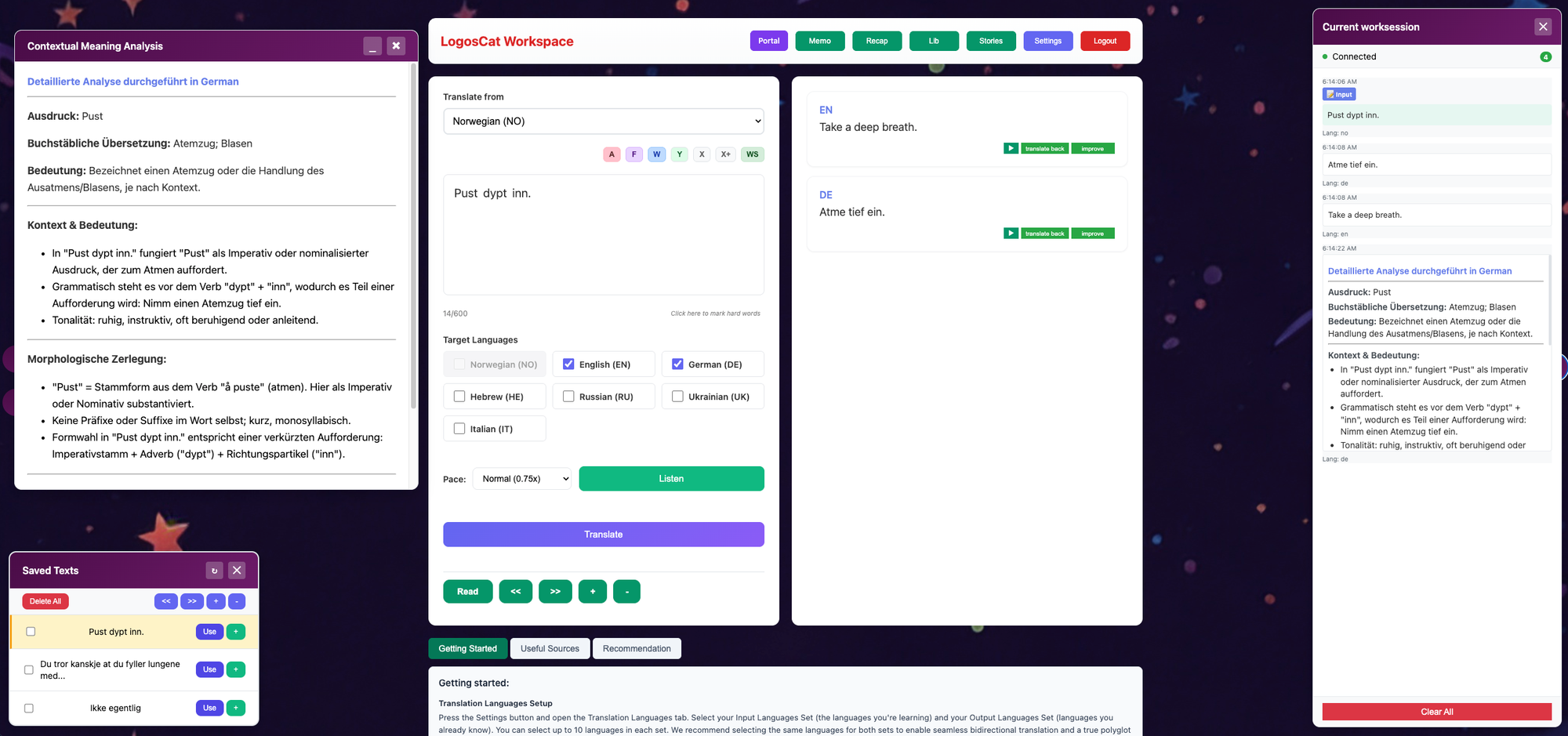
Set up your input and output languages
-
Start translating (output in multiple languages)
-
Try different text analysis options for hard parts — also see this free prompt analysis option - a way to resolve any doubts
-
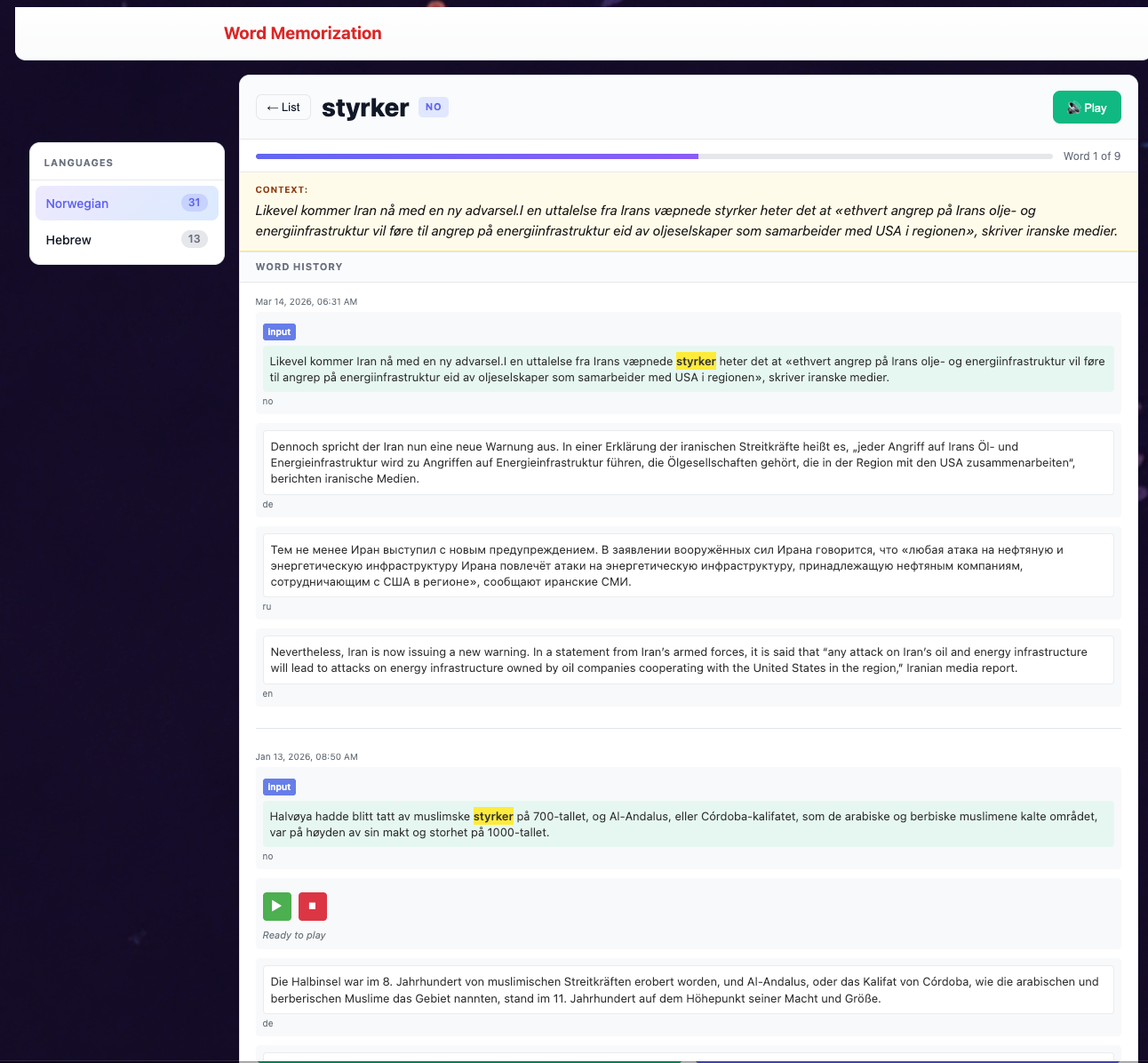
Use Yesterday feature to review a word in previous contexts.
-
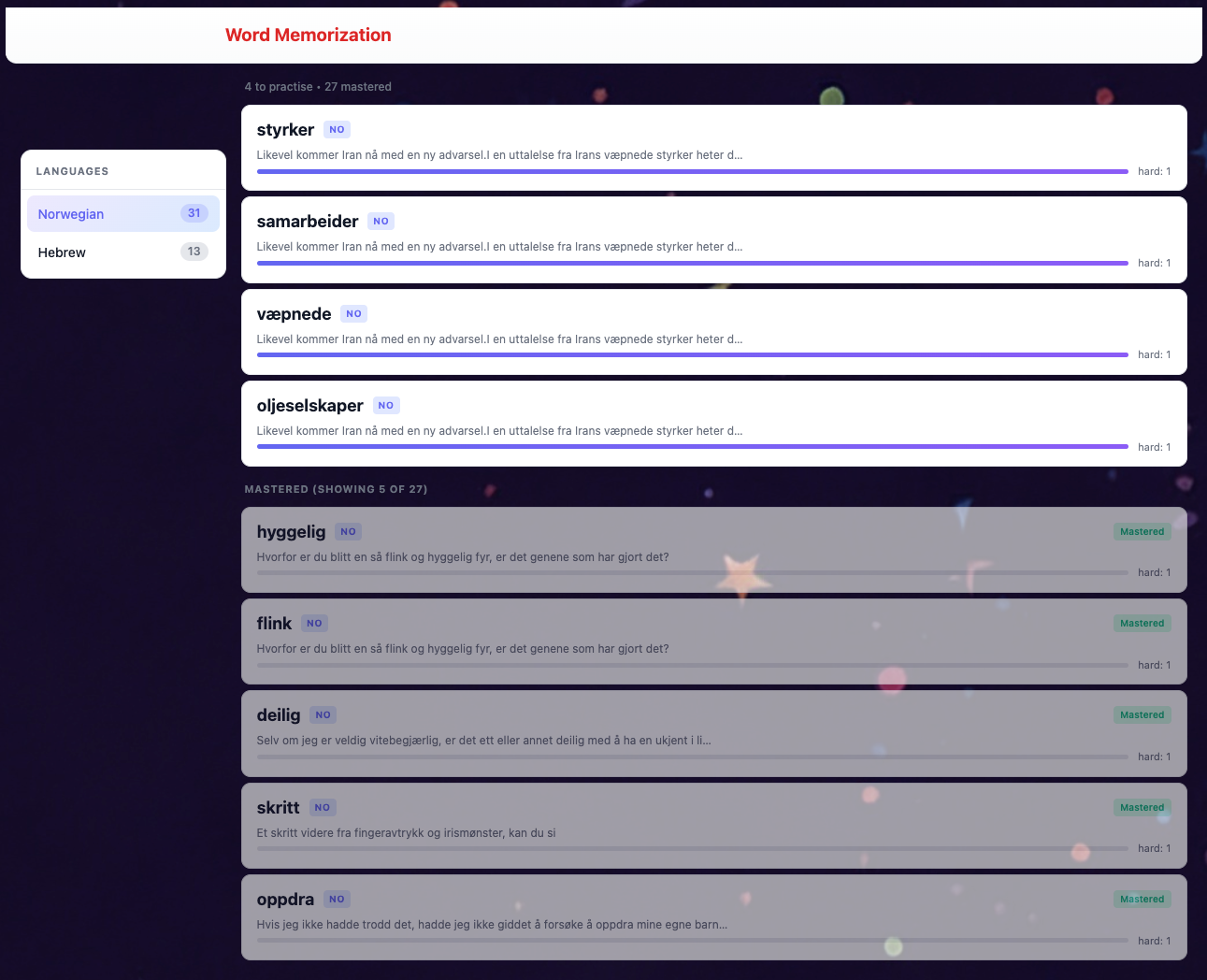
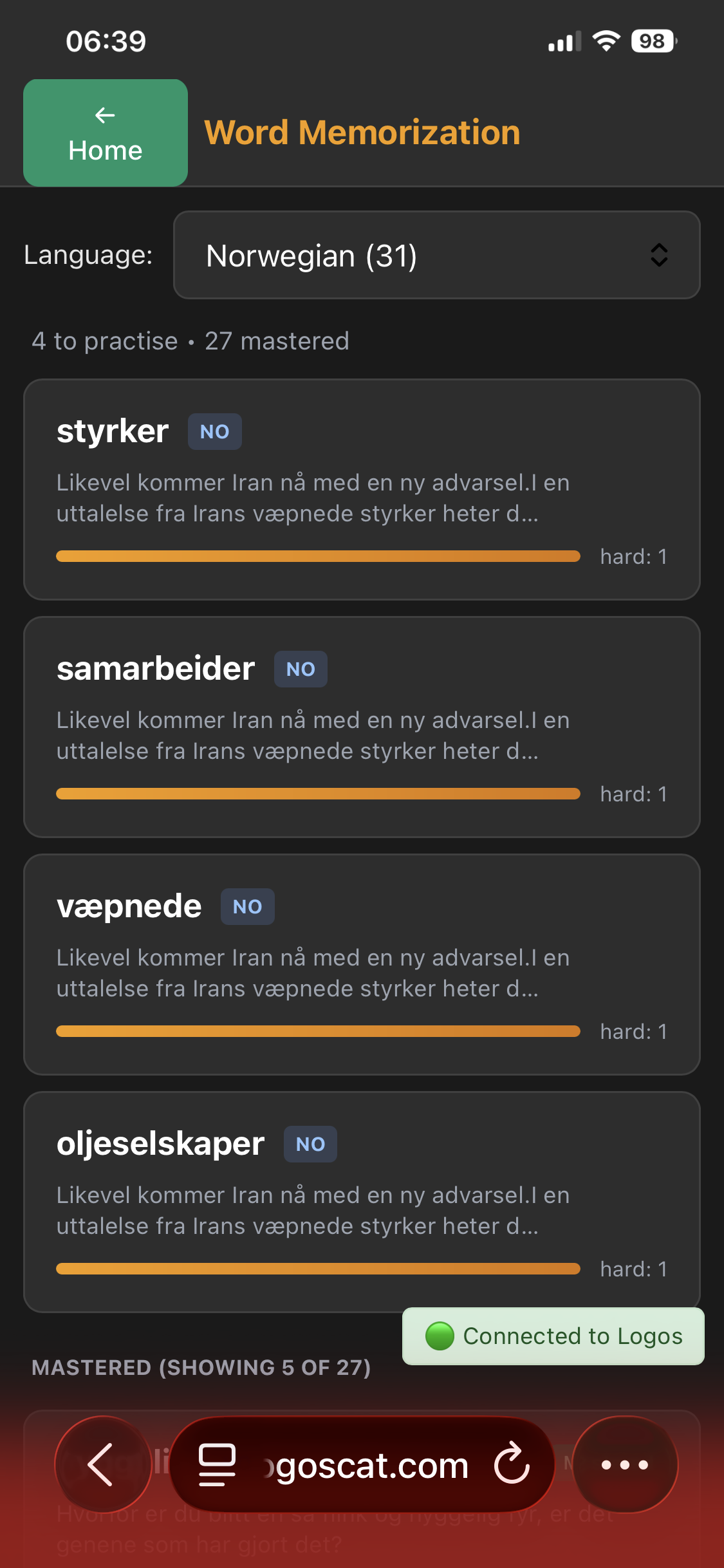
Use hard words memorizing feature to focus.
-
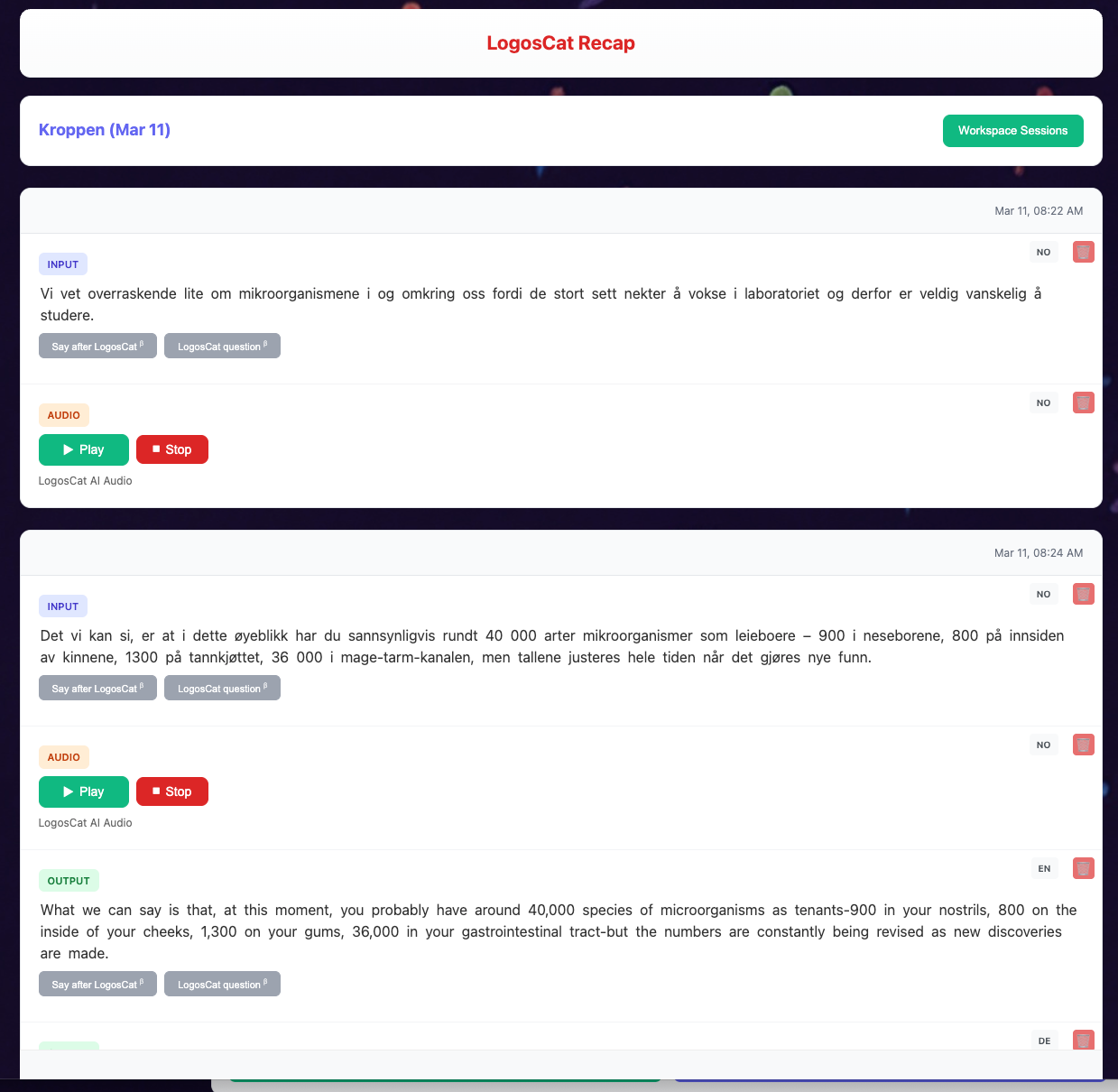
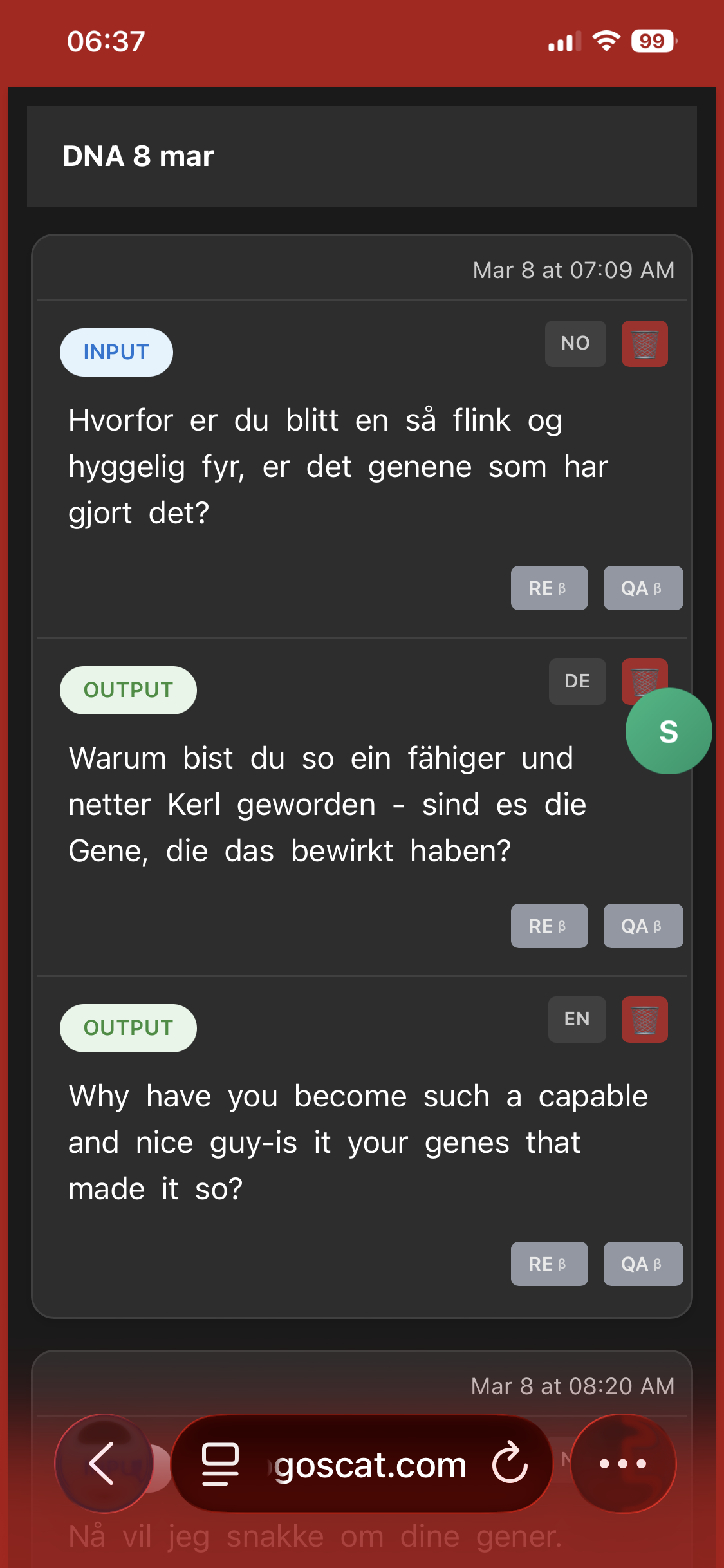
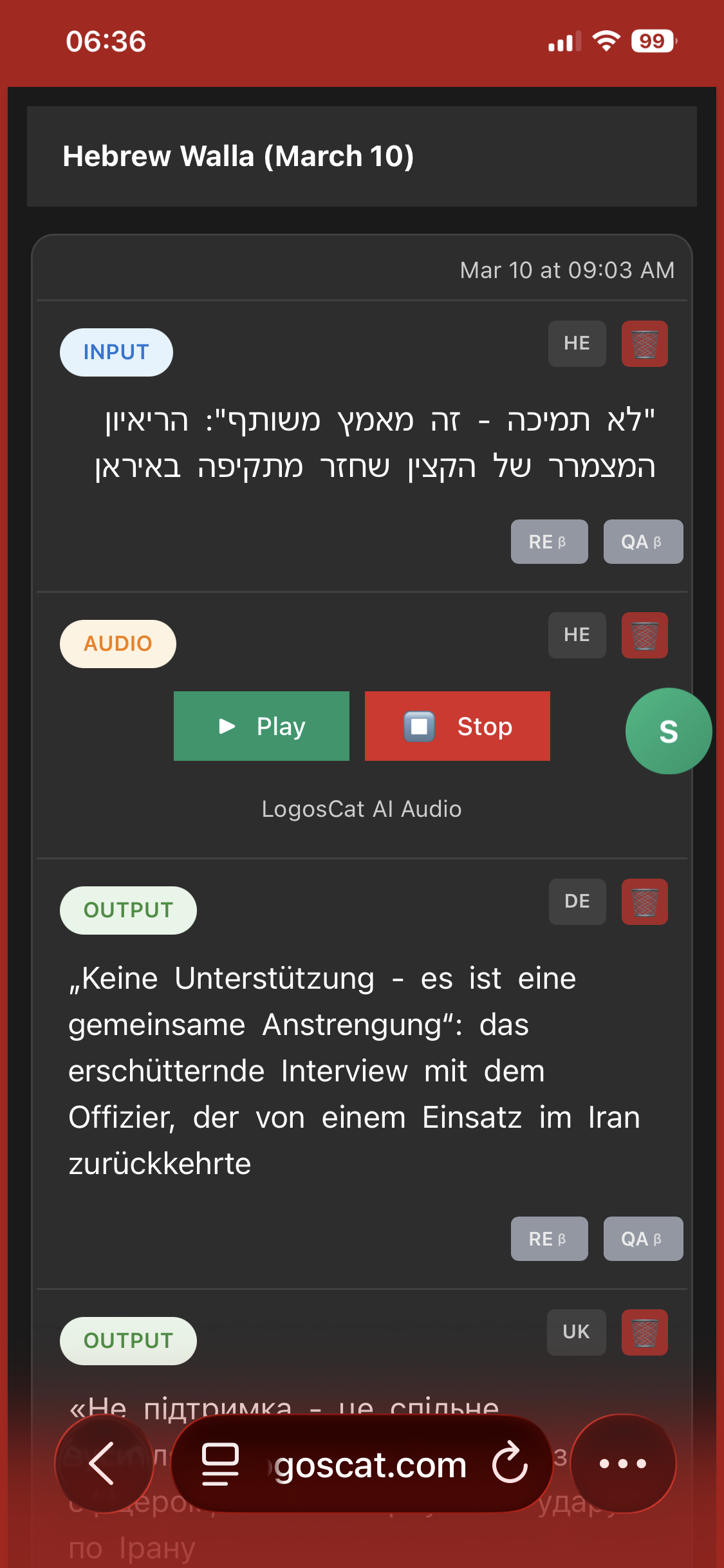
Always use Recap to significantly increase your productivity (on mobile too).
-
Use Words Grabber - a special translation - to focus on some hard words
-
Having trouble? Go to Settings → Report Issue
-
Need to top up? Go to Settings → Balance
-
Supported languages